
By UK IPTV Subscription · Updated 5 October 2026 · 6 min read
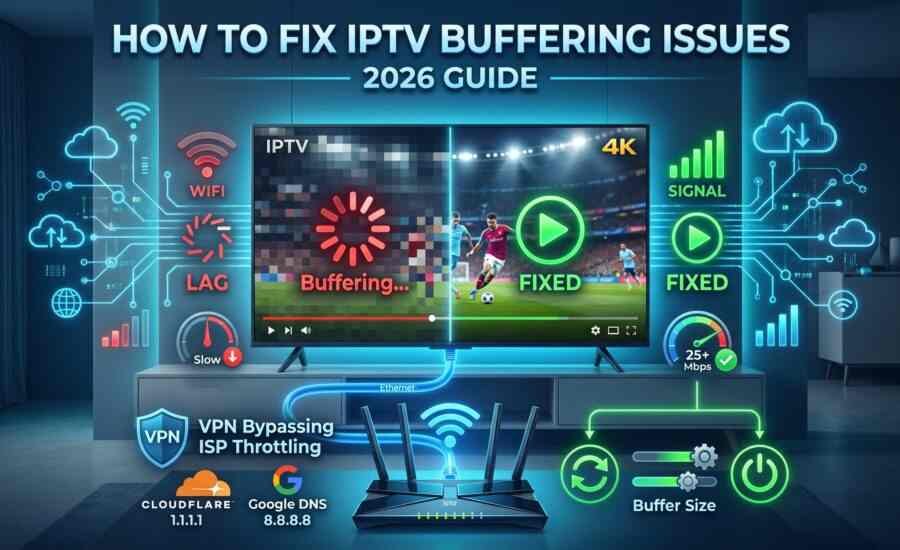
Few things are more annoying than a match freezing just before a goal. If you’re looking for an IPTV buffering fix, the good news is that most buffering problems come from a handful of causes you can check yourself in a few minutes.
This guide walks through the seven fixes in the order we’d try them, from the quickest to the most technical. You’ll also learn how to tell whether the problem is on your side or with your provider.
Why IPTV Buffers
IPTV Buffering IPTV streams video over your broadband connection in real time. If any link in the chain slows down, the video stops to catch up. The usual culprits are:
- Your internet connection: low speed, a busy network, or a weak Wi-Fi signal
- Your router: old, overheated, or placed too far from the device
- Your device: low storage, outdated software, or a slow streaming stick
- Your app: an outdated version or a full cache
- The stream itself: very high quality, or a channel under heavy demand
Knowing which one you’re dealing with saves a lot of guessing.
Fix 1: Restart Everything
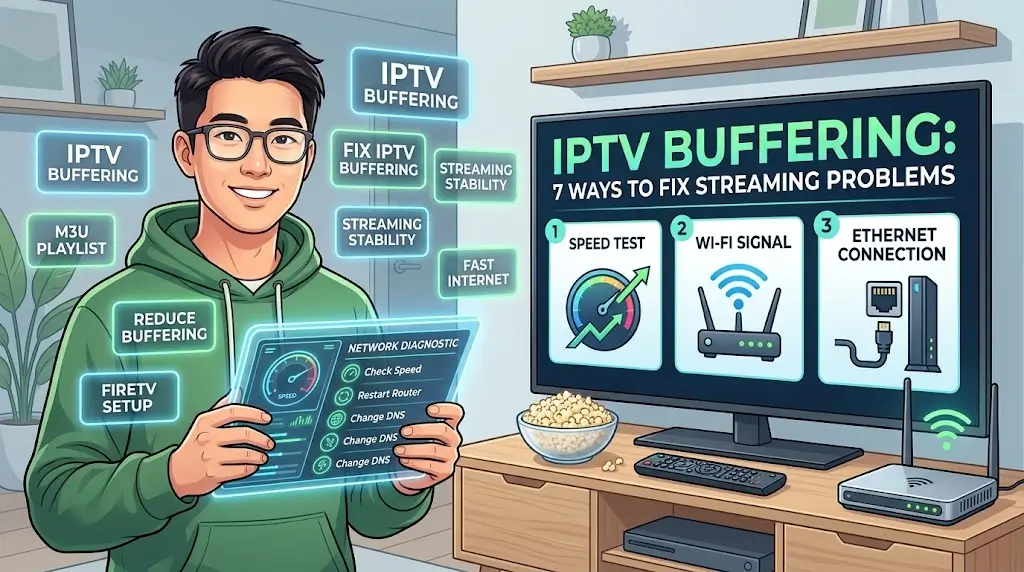
It sounds basic, but it solves a large share of problems. Switch off your router and streaming device, wait 30 seconds, and switch them back on. Open the IPTV app again and test a channel.
Fix 2: Use a Wired Connection
Wi-Fi is the most common cause of IPTV buffering. If your device has an Ethernet port, connect it directly to the router with a cable. A wired connection is usually more stable than wireless, especially for 4K.
If you can’t use a cable, move the router closer to the TV, or use a mesh system or powerline adapter.
Fix 3: Run a Speed Test
Test your connection on the same device you watch on, ideally at the time you usually get buffering. As a general guide IPTV Buffering Fix :
| Quality | Typical speed needed |
|---|---|
| SD | 3-5 Mbps |
| HD | around 10 Mbps |
| 4K | 25 Mbps or more |
Remember that these figures are per stream. If other people are streaming, gaming or downloading at the same time, you need more.
Fix 4: Clear the App Cache
A full cache can slow your IPTV app. On Android devices and Firestick, go to Settings → Applications → Manage Installed Applications, choose your IPTV app, and select Clear cache. Don’t choose “Clear data” unless you have your login details to hand, because that signs you out.
Fix 5: Update Your App and Device
Outdated apps and system software can cause freezing and crashes. Check for updates to your IPTV app and to your device’s operating system, then restart.
Fix 6: Lower the Stream Quality
If your connection can’t keep up with 4K, switch to a Full HD or HD version of the channel. A slightly lower resolution that plays smoothly is better than a 4K picture that keeps stopping. You can switch back once your connection improves.
Fix 7: Check Your Router, DNS and Peak Times
If the first six fixes don’t help, try these:
- Router position: keep it in the open, away from walls, microwaves and other electronics
- Other devices: pause large downloads, updates and cloud backups while watching
- DNS: switching your device or router to a public DNS such as Cloudflare (1.1.1.1) or Google (8.8.8.8) sometimes improves loading
- Peak times: if buffering only happens in the evening, your local network may be congested. Check whether it improves at quieter times
If you suspect your internet provider slows streaming traffic, testing with a VPN can show whether that’s the cause. If a VPN fixes it, tell your provider.
When to Contact Support
If you’ve tried all seven fixes and a particular channel still freezes while everything else streams well, the issue may be with the channel source or the service. Contact our support team and tell them:
- Which channel or channels are affected
- What time the problem happens
- Which device and app you use
- Your speed test result
This helps them diagnose the problem much faster.
IPTV Buffering FAQ
Why does my IPTV buffer only in the evening?
Evening is when many households stream at once, and local networks can become congested. Try a wired connection and a lower quality setting at that time. Does a faster internet plan always fix IPTV buffering?
Not always. Weak Wi-Fi, an old router or an overloaded device can cause buffering even on fast broadband. Fix the connection quality first. Can a slow device cause buffering?
Yes. Older streaming sticks and TVs with little free storage struggle with 4K, so lowering the quality or using a newer device can help. Is buffering the same on every channel?
No. If only one channel freezes, it’s usually a channel source issue rather than your connection.
Smooth IPTV Starts With the Right Setup
Most buffering is solved by a wired connection, a speed check and a quality adjustment. If you’re choosing a new IPTV subscription UK viewers can rely on day to day, look for a provider that offers a trial, so you can test it on your own connection before committing.
Try It Free for 24 Hours
Test our IPTV service on your own connection. Still having trouble? Our support team is available 24/7.Start Your Free Trial
No credit card required · No auto-renewal