

British IPTV is television delivered over the internet to viewers in the United Kingdom, instead of through an aerial, satellite dish or cable box. More UK households are looking at it because it fits around real life: one subscription, many screens, and live, on-demand and catch-up viewing in one place.
This guide explains what British IPTV is, how it works, what you can expect to watch and which devices suit it. It also covers internet speeds, the legal side, common problems and how to choose a provider you can trust. We have kept it practical, because the aim is to help you decide, not to sell you something.
What Is British IPTV?
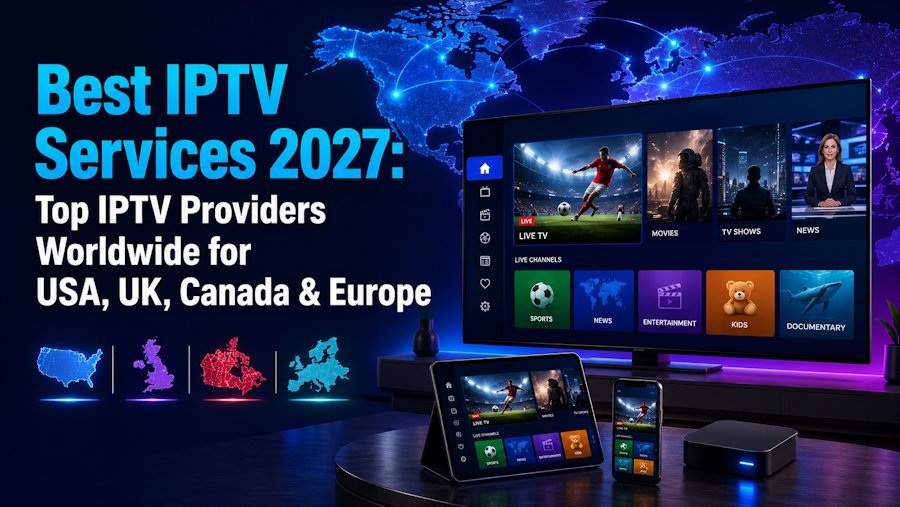
IPTV stands for Internet Protocol Television. Rather than broadcasting a signal through the air or down a cable, an IPTV service sends television over your broadband connection to an app or player on your device. “British IPTV” is the term many viewers use when they want UK television and entertainment delivered this way, often alongside international content.
The important distinction is that IPTV is a delivery method, not a type of content. Many mainstream broadcasters and platforms also deliver programmes over the internet. What matters is who supplies the content and whether they have the right to do so, which we return to below.
How British IPTV differs from traditional broadcasting
Traditional television follows a schedule and relies on dedicated equipment. IPTV relies on your internet connection and a compatible device, and usually adds on-demand libraries and, on supported channels, catch-up. You are no longer tied to one box in one room.
How Does British IPTV Work?
The basic chain is simple. A provider supplies a subscription. You receive login details. You enter them into an IPTV application, and the app loads the channels and on-demand content your plan includes. Your broadband connection carries the stream to your screen.
- Subscription: you choose a plan from a provider.
- Login details: you receive credentials, often a username, password and server address, or a playlist link.
- IPTV player: you add those details to a compatible app.
- Streaming: the app displays your channel list, programme guide where available, and on-demand sections.
It is worth being clear on one point that confuses many newcomers. The player app and the subscription are separate things. An app does not include content on its own, and a subscription needs a compatible player. If you need a hand with the process, the British IPTV setup guide walks through it.
What Channels Can You Watch with British IPTV?
Channel availability depends on the provider and on the content rights it holds, so no two services are identical. Instead of chasing the biggest number, look at the categories that matter in your home. Most British IPTV channels fall into these groups:
| Category | What you might expect | Worth checking |
|---|---|---|
| UK entertainment channels | General entertainment, drama, lifestyle and factual programming | Whether the channels you actually watch are included |
| Sports channels | A range of UK and international sport | Which sports and events are covered on your plan |
| News channels | National, regional and international news | Regional coverage if local news matters to you |
| Movies and series | On-demand libraries alongside live channels | How the library is organised and searched |
| Children’s channels | Programming for younger viewers | Parental control options in your chosen player |
| International channels | Content in many languages for diverse communities | Whether your preferred languages are covered |
You can see the current lineup before you commit. The British IPTV channel list shows what is available, and channels and content may vary over time.
Best Devices for Watching British IPTV
One of the strengths of IPTV is that you probably own a suitable device already. Availability of a given app varies by device, model and region, so always install from the official store listing, never from unverified files.
Amazon Firestick
A Firestick is a popular choice because it is small, affordable and works with the television you already have. Its remote makes browsing a channel list comfortable, and it suits households that want a simple, dedicated streaming device.
Android TV and Android Boxes
Android TV devices give you access to the Google Play Store, which makes installing a player straightforward. Generic Android boxes vary, so check that yours has proper store access before you buy.
Samsung and LG Smart TVs
Smart TVs are the neatest option because there is no extra hardware. Check the app store on your model, as availability depends on its age and your region. If a suitable player is not listed, a Firestick or Android TV device is a simple workaround.
iPhone and Android Smartphones
Phones and tablets are ideal for watching in another room, on a commute or when someone else has the main television. They are also a quick way to test your login details.
Windows and Mac Computers
A laptop or desktop works well for a desk setup or a spare screen. Use official sources for the player software and keep your system up to date.
How to Choose a Reliable British IPTV Provider
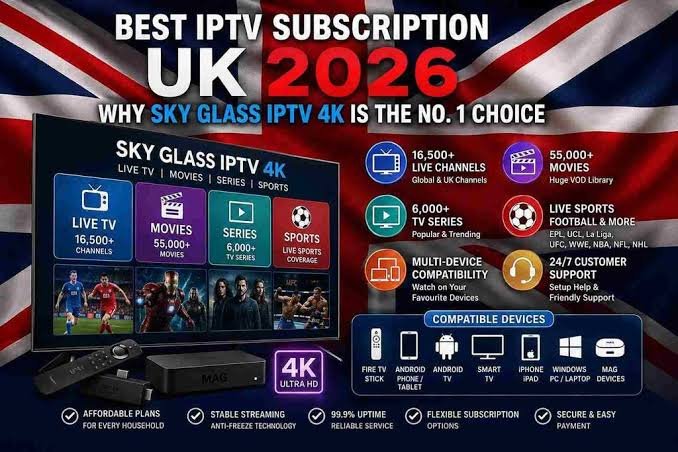
Searching for the best British IPTV can throw up a bewildering list of claims. The best service is the one that fits your household and operates transparently. Use this checklist to compare any British IPTV provider fairly.
| Factor | What to look for | Question to ask |
|---|---|---|
| Streaming stability | Consistent playback at busy times | How does the service handle peak evenings? |
| Channel availability | The channels you actually watch | Can I see the channel list before buying? |
| Video quality | HD, Full HD or 4K where available | Which channels offer which quality? |
| Device compatibility | Support for the screens you own | Which players and devices are supported? |
| Customer support | Clear contact routes and response times | When and how can I reach support? |
| Transparent pricing | Clear plan details and no hidden extras | What exactly is included in each plan? |
| Trial availability | A way to test before committing | Is a trial available, and for how long? |
| Subscription conditions | Clear renewal, refund and usage terms | What are the terms and refund conditions? |
| Licensing and content rights | Openness about how content is supplied | Does the provider hold the rights for what it distributes? |
Take the last row seriously. Reading a provider’s terms and conditions before you pay is a sensible habit with any online service. If something is vague, ask. A trustworthy provider will not mind the question.
Is British IPTV legal in the UK?
IPTV as a technology is legal. Whether a particular service is lawful depends on whether the provider has permission to distribute the content it offers. Watching unlicensed content can breach copyright law, so choose services that are open about their rights and operate transparently.
One practical reminder: in the UK, a TV Licence is generally required to watch or record live television as it is broadcast, however you receive it. Check the official TV Licensing guidance to confirm how it applies to you.
British IPTV vs Traditional TV
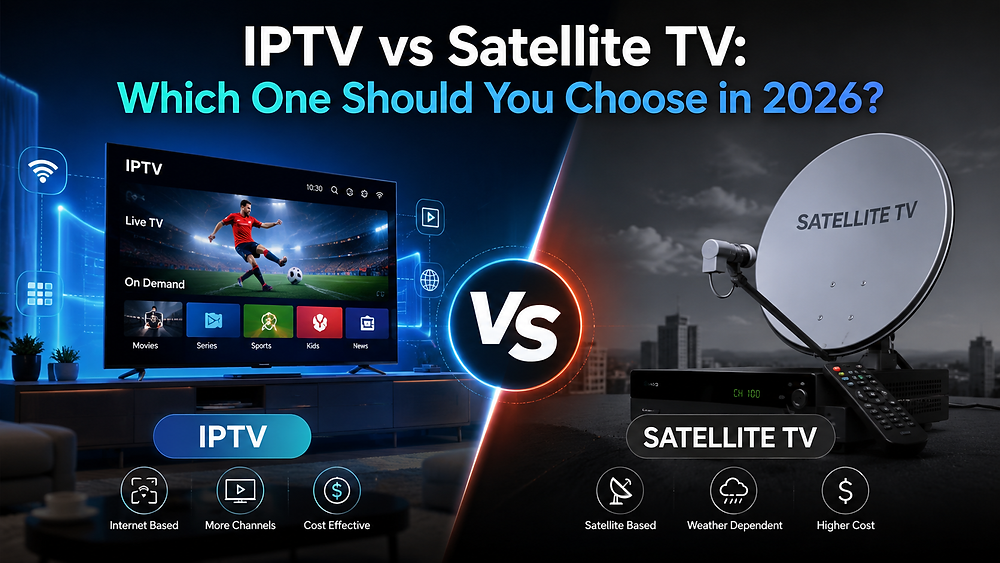
Neither approach is better for everyone. The right one depends on your routine, your broadband and how many screens you use.
| Feature | British IPTV | Traditional TV (aerial, satellite, cable) |
|---|---|---|
| Flexibility | Watch live and on-demand content on many screens | Tied mainly to the television connected to the signal |
| Internet requirements | Needs a stable broadband connection | Aerial and satellite do not rely on broadband for live viewing |
| Devices | Smart TVs, streaming devices, phones, tablets and computers | Set-top boxes and televisions with the right tuner |
| Equipment | Often uses devices you already own | May need a dish, aerial or provider box |
| Pricing structure | Subscription plans, often with flexible terms | Packages and contracts, sometimes with installation costs |
| Channel choice | Varies by provider, often including international content | Defined by the platform or package |
What Internet Speed Do You Need for British IPTV?
Your connection matters more than almost anything else. As a general guide, around 10–20 Mbps suits HD streaming, with Full HD towards the upper end of that range, while 25–50 Mbps or more is recommended for 4K. These are approximate figures, and your provider’s own advice should take priority.
| Quality | General guide | Good to know |
|---|---|---|
| HD | Around 10–20 Mbps | Suitable for most everyday viewing |
| Full HD | Towards the upper end of the HD range | Sharper picture on larger screens |
| 4K | Around 25–50 Mbps or more | Needs 4K content and a 4K-capable screen |
Remember that speed is shared. If two people stream while someone else downloads a large file, each stream gets less. A wired connection is steadier than Wi-Fi, and quality always depends on the content, your device and the stability of your network.
Common British IPTV Problems and Solutions
Buffering and Freezing
Buffering usually comes from congestion, weak Wi-Fi or device performance. Restart your router and device, use a cable where possible, close other bandwidth-heavy apps, and move closer to the router. Our IPTV buffering fix guide goes into more detail.
Channels Not Loading
Check that your subscription is active and your internet works. Re-enter your details carefully, remove and re-add the profile in your player, and restart the app. If problems continue, contact your provider.
EPG Not Working
The programme guide relies on data from your provider. Make sure your device’s date, time and time zone are correct, refresh the guide in the app settings, and remember that some channels may not carry guide data.
Application Login Problems
The most common causes are typing errors, an extra space, the wrong login type or an expired subscription. Copy and paste your details if you can, and confirm which login method your provider supplied.
Is British IPTV Worth It in 2027?
For many households, yes, but it is worth weighing both sides honestly.
- Flexibility: watch on several devices without a dedicated box in every room.
- Choice: UK and international content in one place.
- Convenience: live, on-demand and, where supported, catch-up viewing.
On the other side, IPTV depends on a good broadband connection, quality varies between providers, and you need to do your homework on rights and terms. Before subscribing, consider how many people watch at once, what devices you own and whether a trial is available so you can test it in your own home first.
If price is your main concern, our IPTV cheap UK guide explains what to weigh up beyond the headline figure.
Why Choose UK IPTV Subscription?
UK IPTV Subscription is built for viewers who want simple access, flexible plans and clear terms. The service offers:
- 20,000+ live channels.
- 199,000+ movies and series.
- HD, Full HD and 4K content where available.
- 24/7 customer support.
- A 24-hour free trial.
- A 7-day money-back guarantee.
- No automatic renewal.
- Flexible subscription plans.
- Compatibility with supported IPTV applications and devices.
The trial is the best place to start. It lets you check picture quality, device compatibility and your own broadband before you commit, and our IPTV free trial UK article explains how it works. When you are ready, you can compare the available plans and choose one that suits your household.
If you have questions about setup, devices or plans, you can contact the support team at any time.
Frequently Asked Questions About British IPTV
What is British IPTV?
British IPTV is television delivered over the internet to UK viewers, instead of through an aerial, satellite dish or cable. You watch through an app or player on a compatible device, using login details from your provider.
Is British IPTV legal in the UK?
IPTV technology is legal. The lawfulness of a service depends on whether the provider has the rights to distribute its content, so choose providers who are transparent about this and read their terms carefully.
What is the best British IPTV service?
There is no single best option, because it depends on your household. Compare providers on stability, channel availability, picture quality, device support, customer service, clear pricing and openness about content rights.
Can I watch British channels abroad?
That depends on your provider, the channels it offers and the rights attached to them. Some content can be restricted by region, so check with your provider before relying on it when travelling.
Does British IPTV work on Firestick?
Many viewers use a Firestick for IPTV, provided a compatible player is available for the device. Install apps only from official, verifiable sources.
How much internet speed do I need?
As a general guide, around 10–20 Mbps suits HD and 25–50 Mbps or more suits 4K. Your needs rise if several people stream at once.
Can I watch British IPTV on Smart TV?
Often, yes, depending on your TV’s make, model and region. If a suitable player is not available in its app store, a Firestick or Android TV device offers an easy alternative.
Is a free British IPTV trial available?
UK IPTV Subscription offers a 24-hour free trial so you can test your device and connection before choosing a plan.
What is the difference between IPTV and traditional TV?
Traditional TV arrives through an aerial, satellite or cable, while IPTV arrives over your broadband connection. IPTV usually offers more flexibility across devices, but depends on a stable internet connection.
Do I need a separate IPTV player?
Usually, yes. A player app displays the content from your subscription, and the two are separate. Check which players and devices your provider supports.
Final Thoughts
British IPTV offers a flexible, modern way to watch television, but the best results come from choosing carefully. Match the service to your devices and broadband, check the terms and content rights, and use a trial to test before you commit.
If you are ready to see how it feels on your own screen, view the British IPTV subscription plans and start with the 24-hour free trial.
Discover a Better
British IPTV Experience
Looking for reliable British IPTV? Explore flexible subscription plans, enjoy compatible streaming devices and get friendly support whenever you need it.
Get Your Free Trial →